ZONE New Edition
hourglass, brightness and silent mode in 74 seconds
Tap a chapter to jump straight to it. All six upgrades are listed below.

ZONE New Edition
For a second desk, or as a gift.
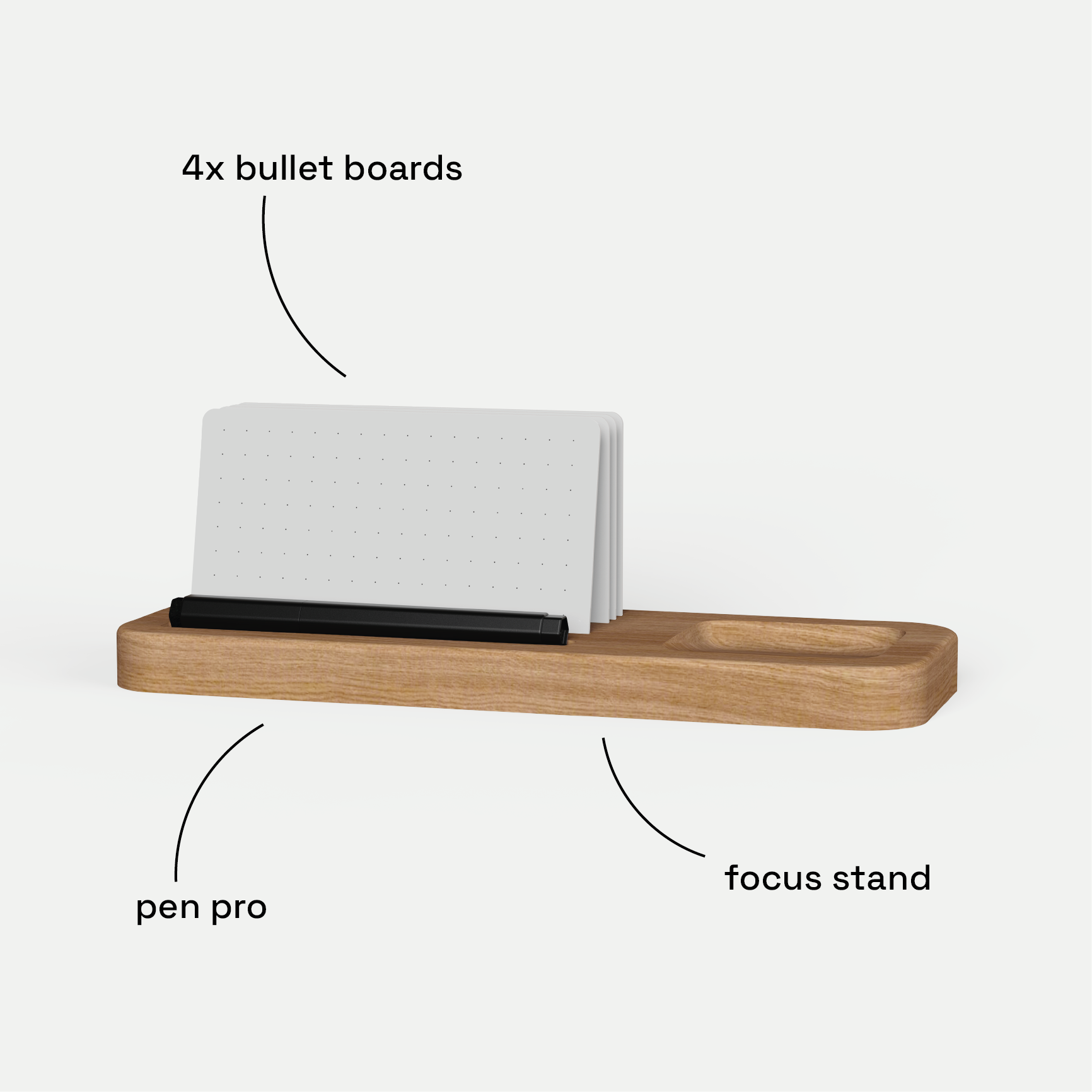
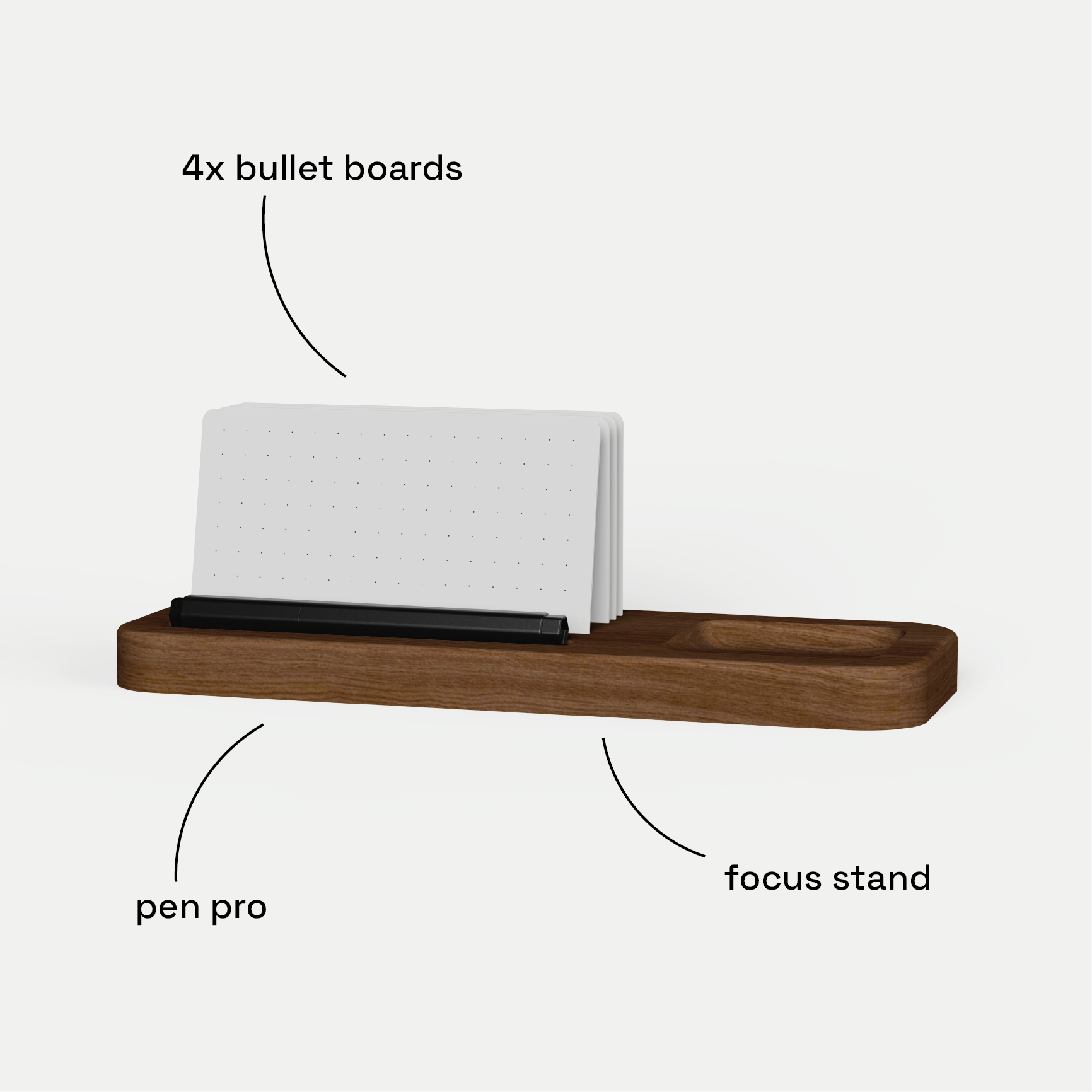
Focus Bundle Add-On
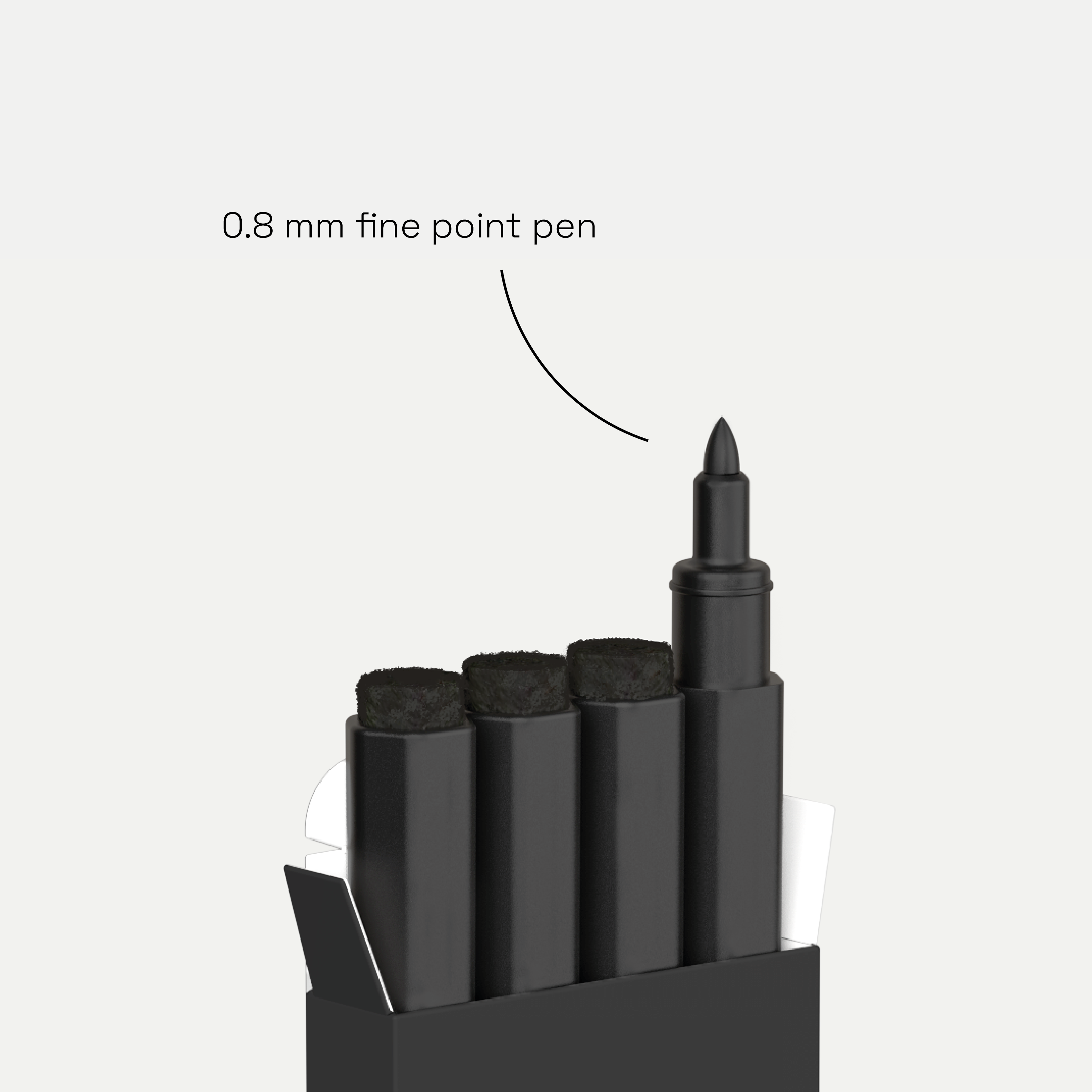
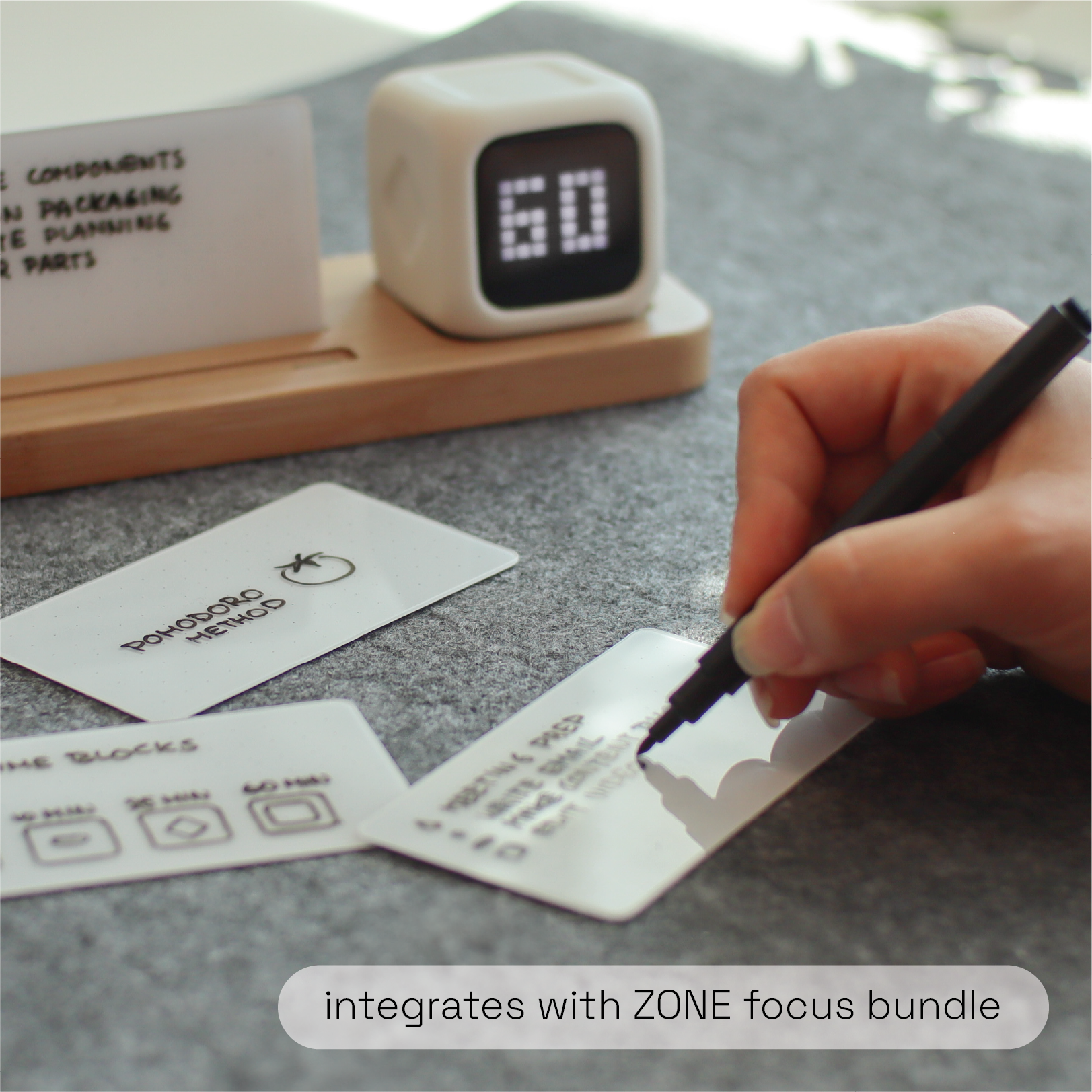
Focus Base, glass boards and pen.
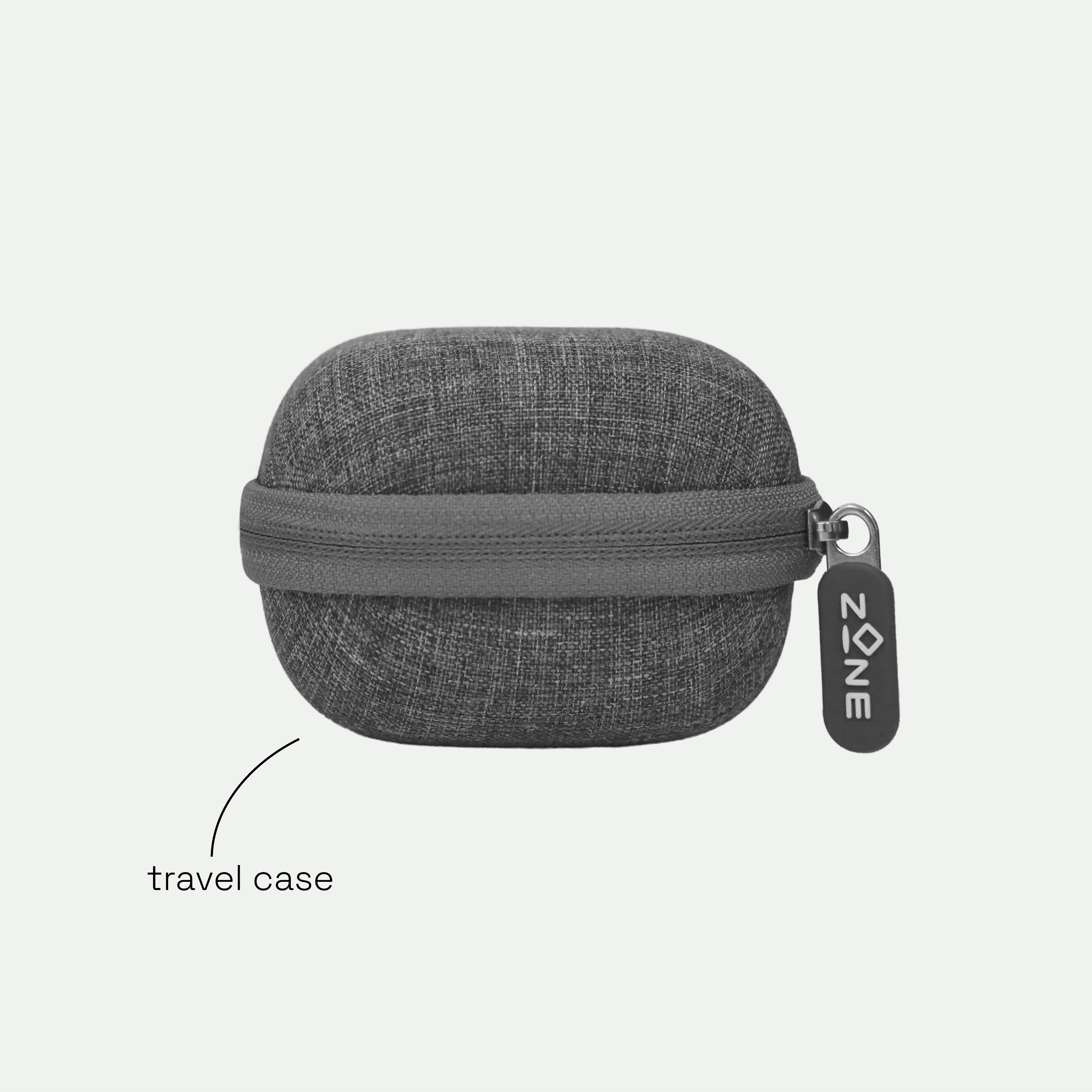
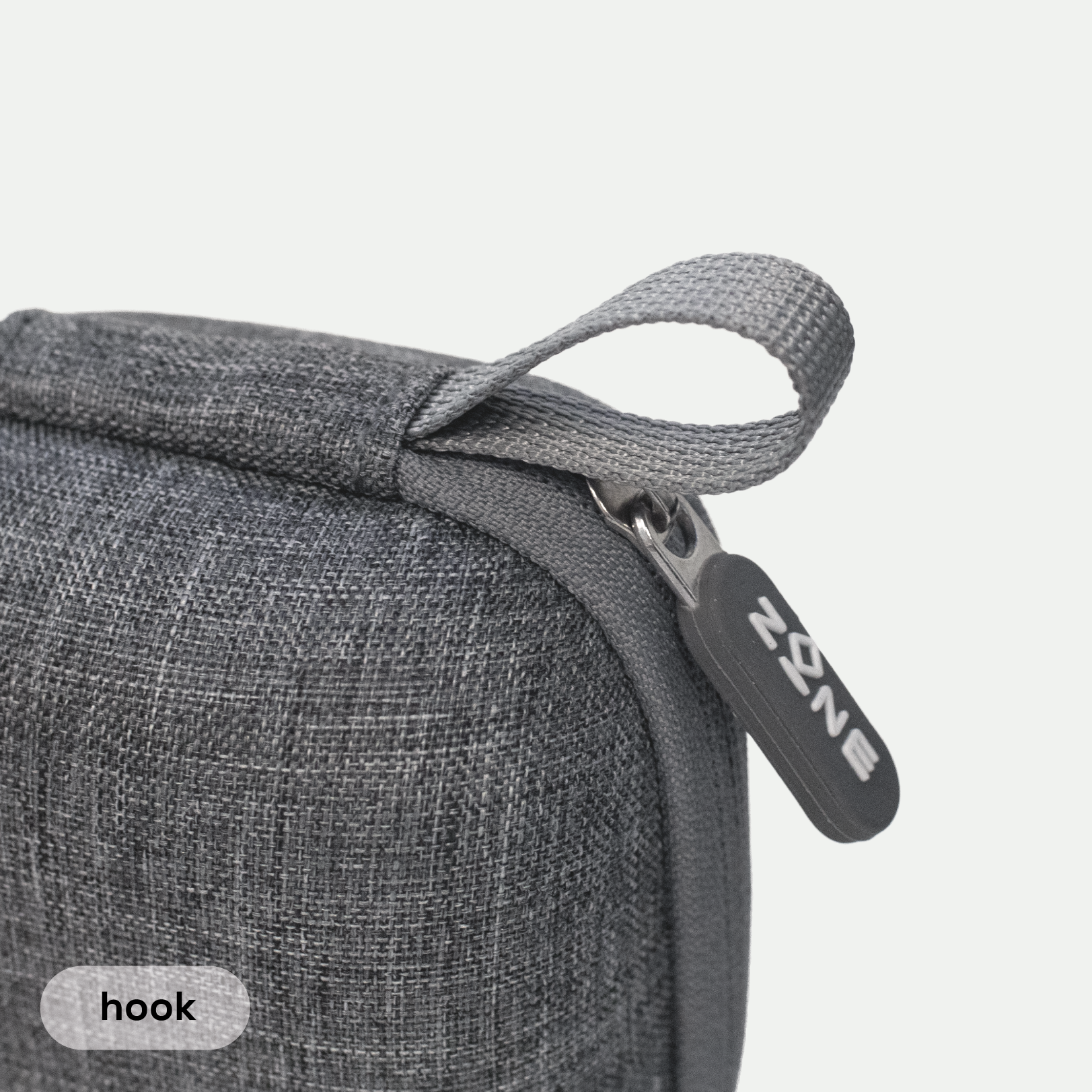
Travel Case
Protects ZONE on the go.
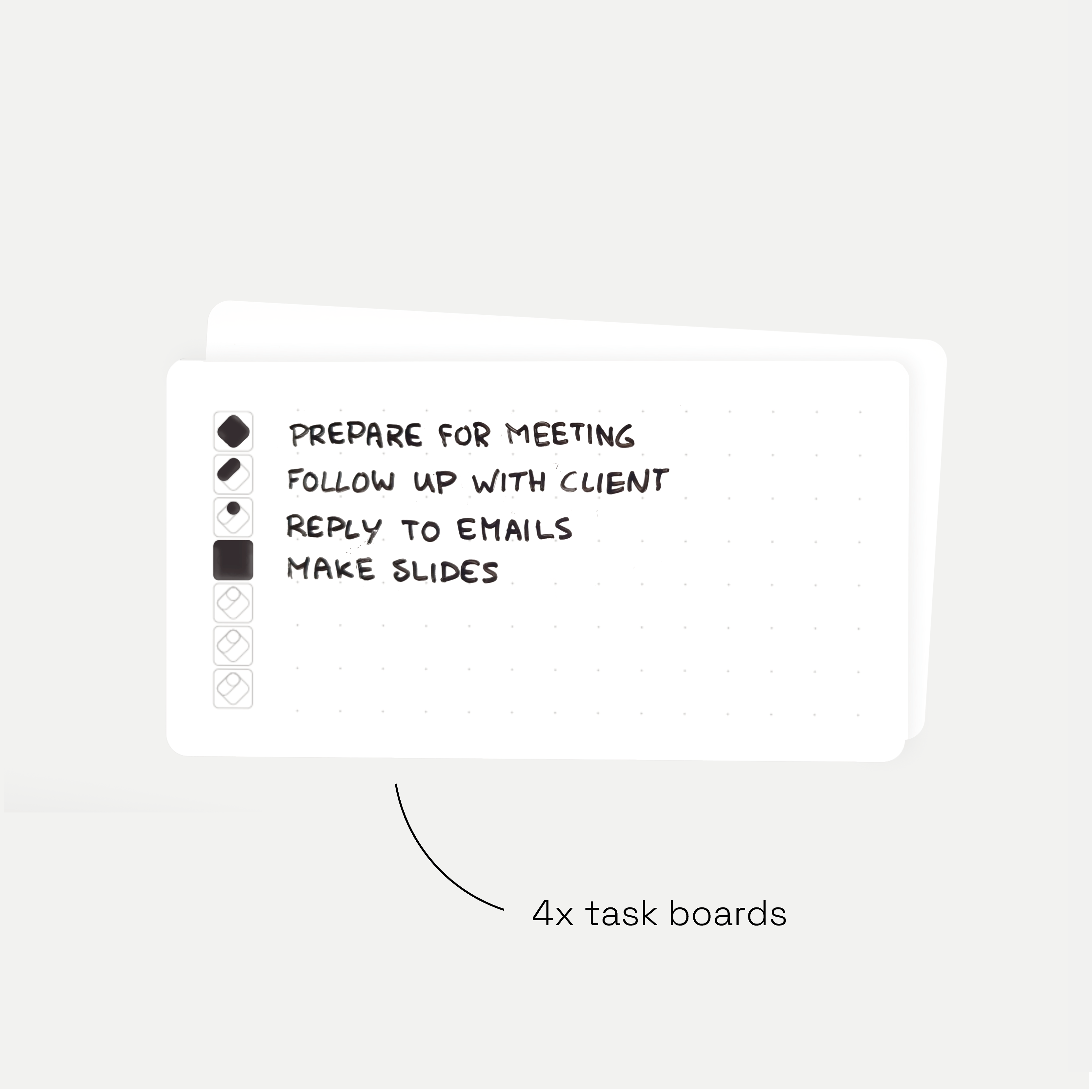
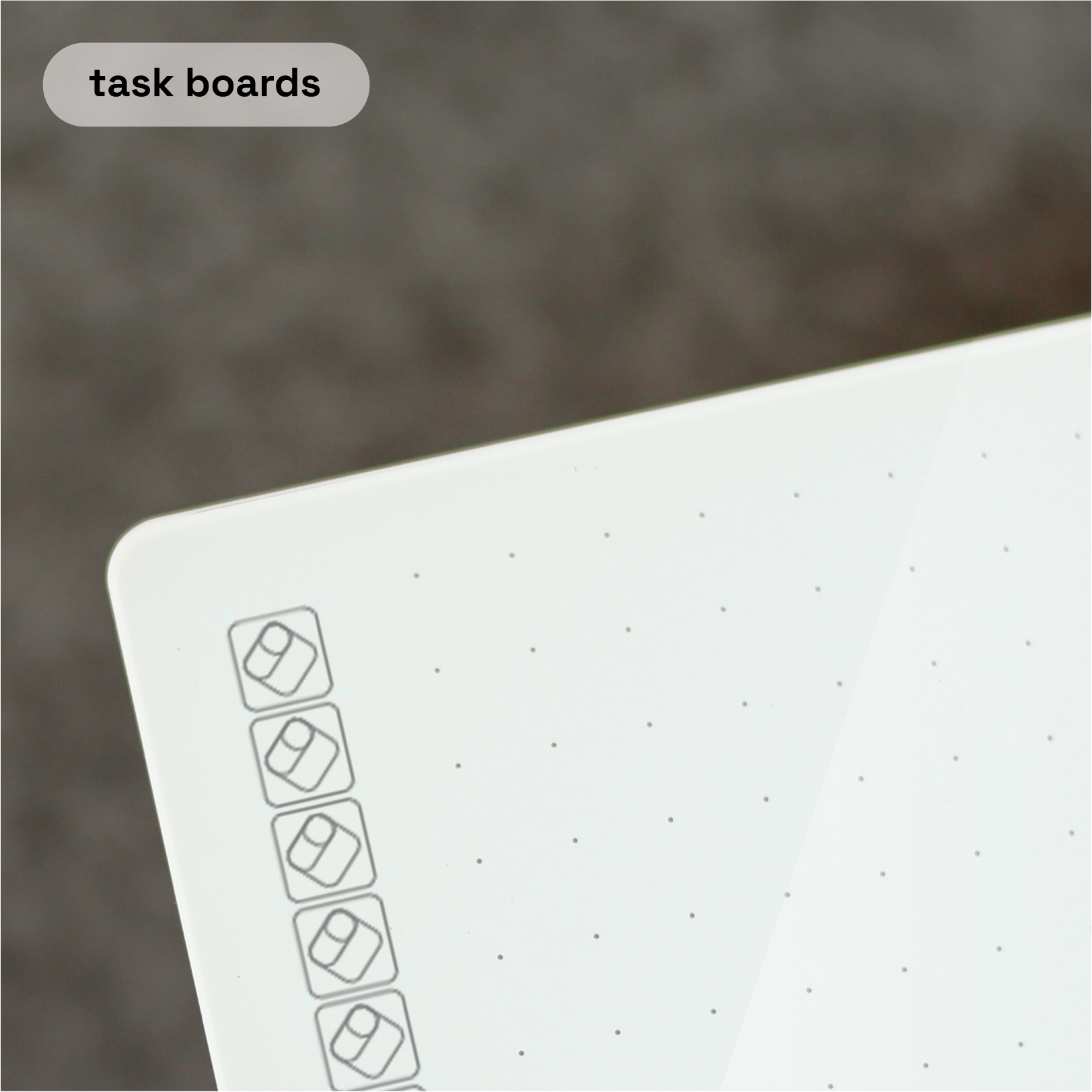
Task Boards
Four reusable boards for your to-dos.
what's new
Everything you loved stays the same. This is what we added.

hourglass mode
Pixels drain away instead of numbers. Nothing to read while you work.

adjustable brightness
Dim or bright, wherever you work.

silent mode
No sound, no vibration. The screen flashes when time is up.

low battery warning
At 20%, so ZONE never dies mid-session.

button texture
The + button now has texture. Add minutes without looking.

USB-C to USB-C cable
In the box, ready for today's chargers and laptops.
the new modes up close
Short videos, each under 40 seconds.
hourglass or numbers
Double-press ▷ to switch between an hourglass and minutes.
why an hourglass?
The same session as minutes and as an hourglass, side by side.
screen brightness
Softer for a dark room, brighter for a sunny desk.
silent mode
No sound at all. When your time is up, all pixels flash to catch your eye. Handy in a shared office or a meeting.
which ZONE do I have?
Look at the + button: textured or smooth.
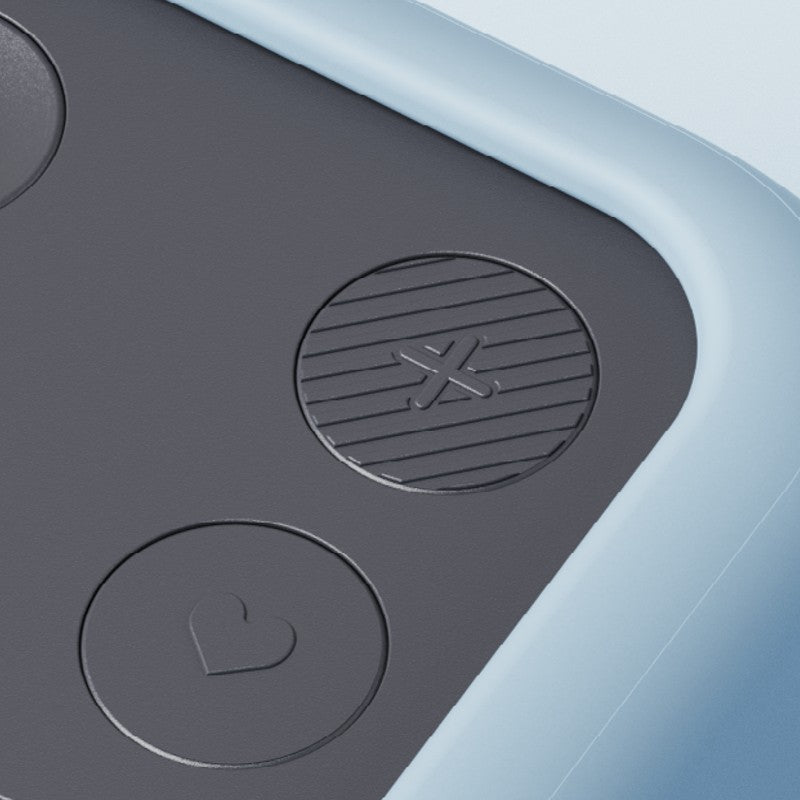
ZONE New Edition
Textured + button. Adds hourglass mode, brightness, silent mode and a low battery warning. Every ZONE shipped from 28 September 2026.
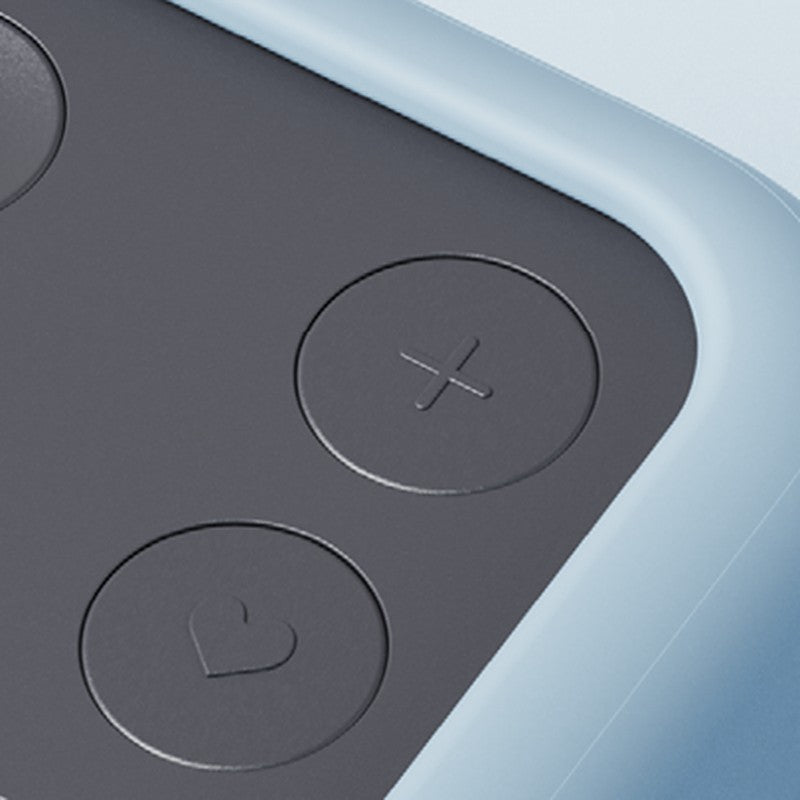
ZONE (2025 edition)
Smooth + button. Minutes display, volume and vibration alert.
the full ZONE range
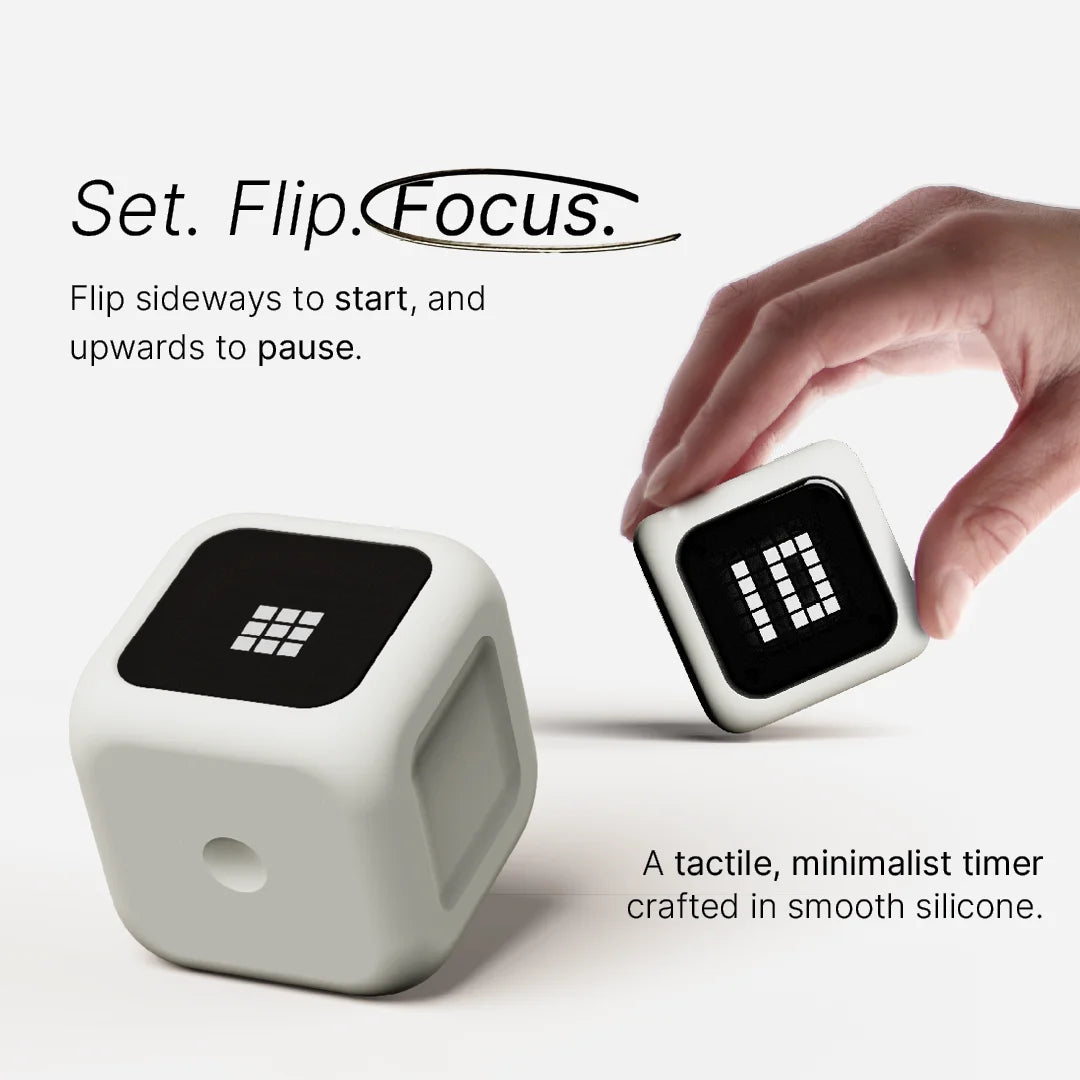
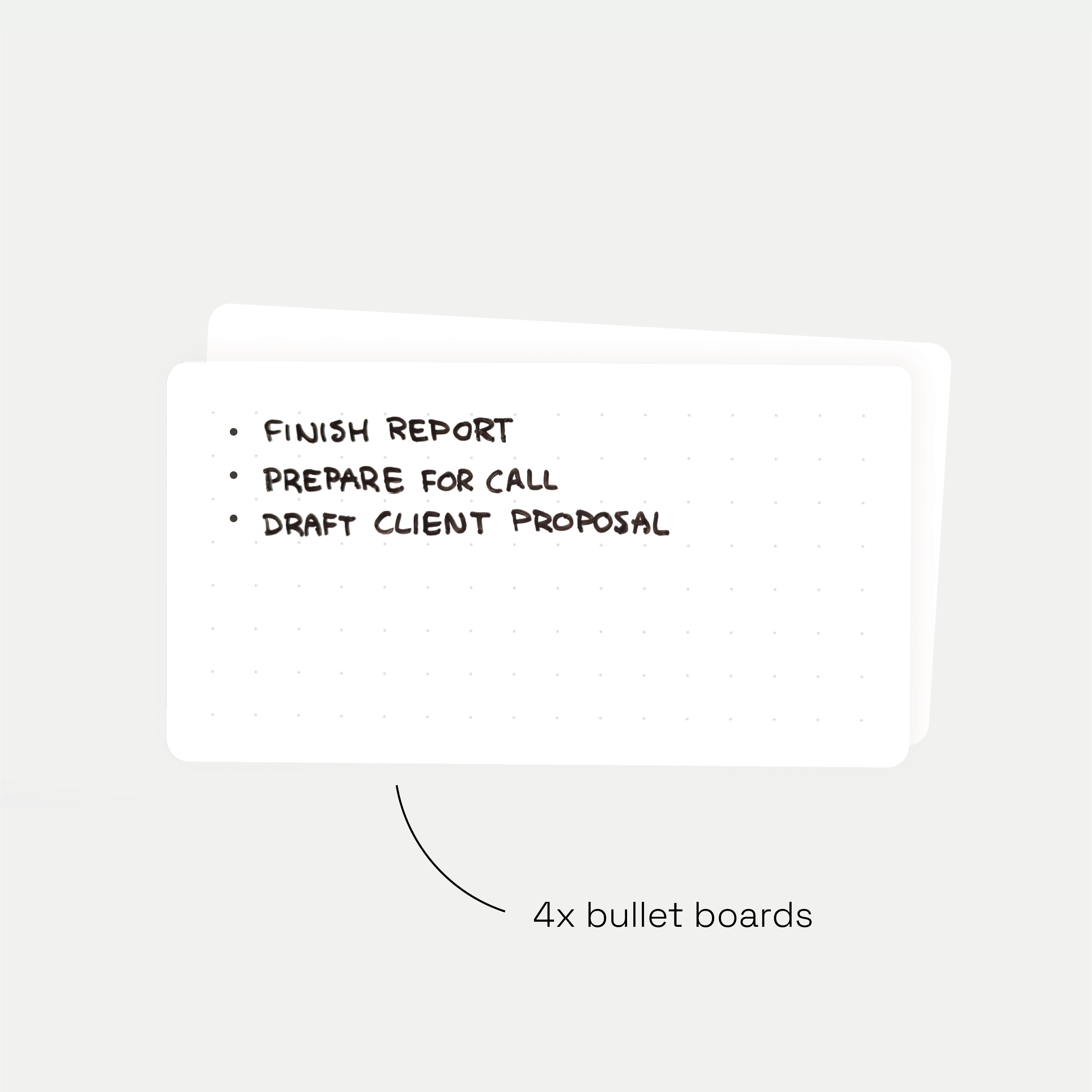
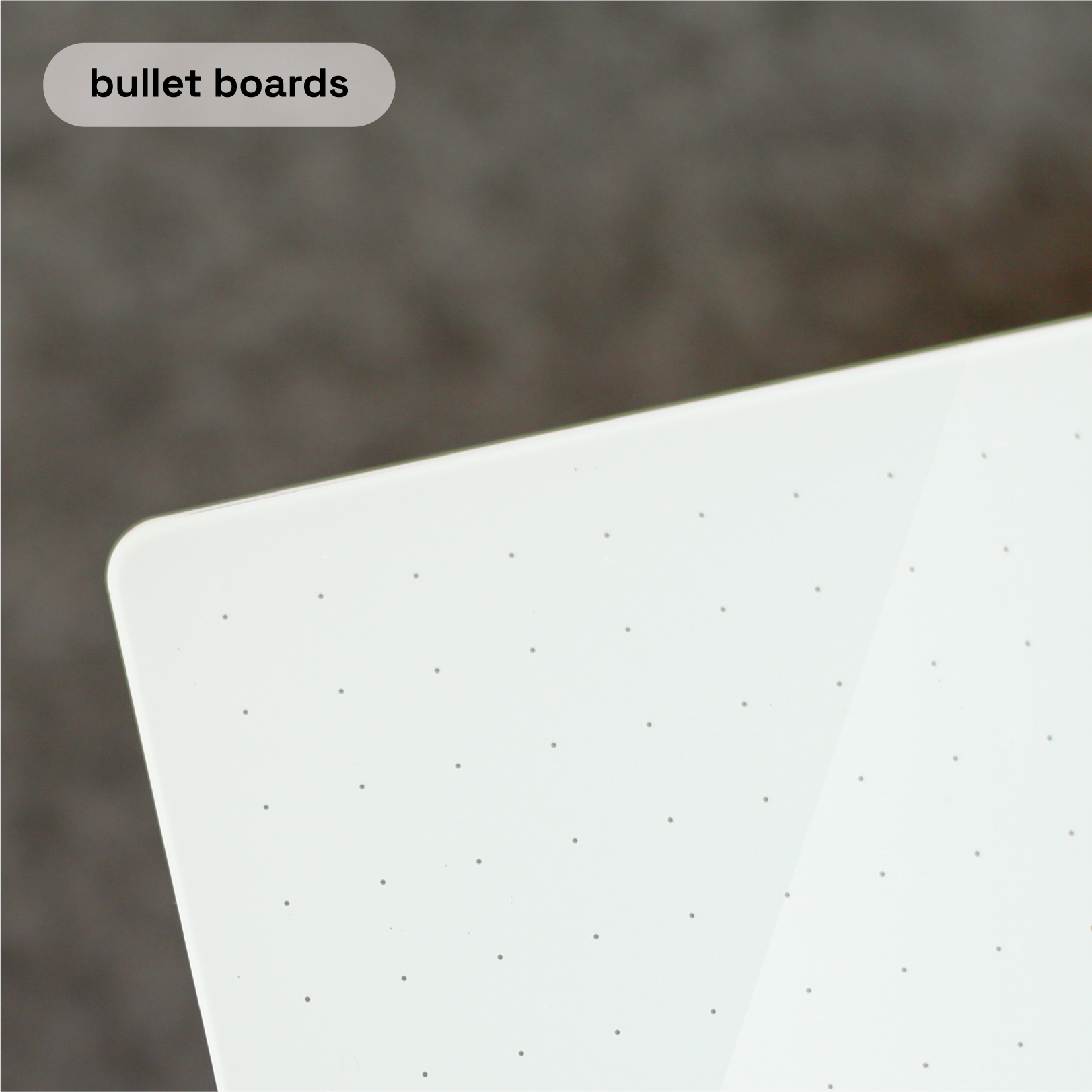
Add a Travel Case for on the go, Task or Bullet Boards for your to-dos, Pen Pro refills, or the Focus Bundle for the full desk setup.
FAQ
Something else on your mind? These are the questions we get most.
I have the original ZONE (2025). Should I upgrade?
Only if the new features would make a real difference to your day: hourglass mode, brightness, silent mode or the low battery warning. Flip to start, your own times and the minutes-only display work the same on both.
Why not just use the timer on my phone?
Your phone is a distraction machine. You pick it up to start a timer and end up scrolling. ZONE does one thing: keep time. So you stay on your work.
Will it disturb people around me?
No. Pick a soft chime or vibration. Or use silent mode on the New Edition: the screen just flashes. Works in open offices, libraries and shared homes.
Do I need an app or Wi-Fi?
No. No app, no account, no notifications. Flip it to start. One charge lasts about 20 hours of countdown.
What if it's not for me?
Send it back. You can return it within 14 days, for any reason, in the US & Canada, the EU and the UK. Over 10,000 people already use ZONE.